
Convert Word to PDF — one file or a whole folder
Turn DOCX, DOC, RTF and ODT documents into PDFs on your own PC. Drop a folder in and every document is converted in one run.
PDFClubs apps run on Windows 10 and 11 PCs.
- No upload
- Batch convert
- Free trial
- Windows 10 & 11
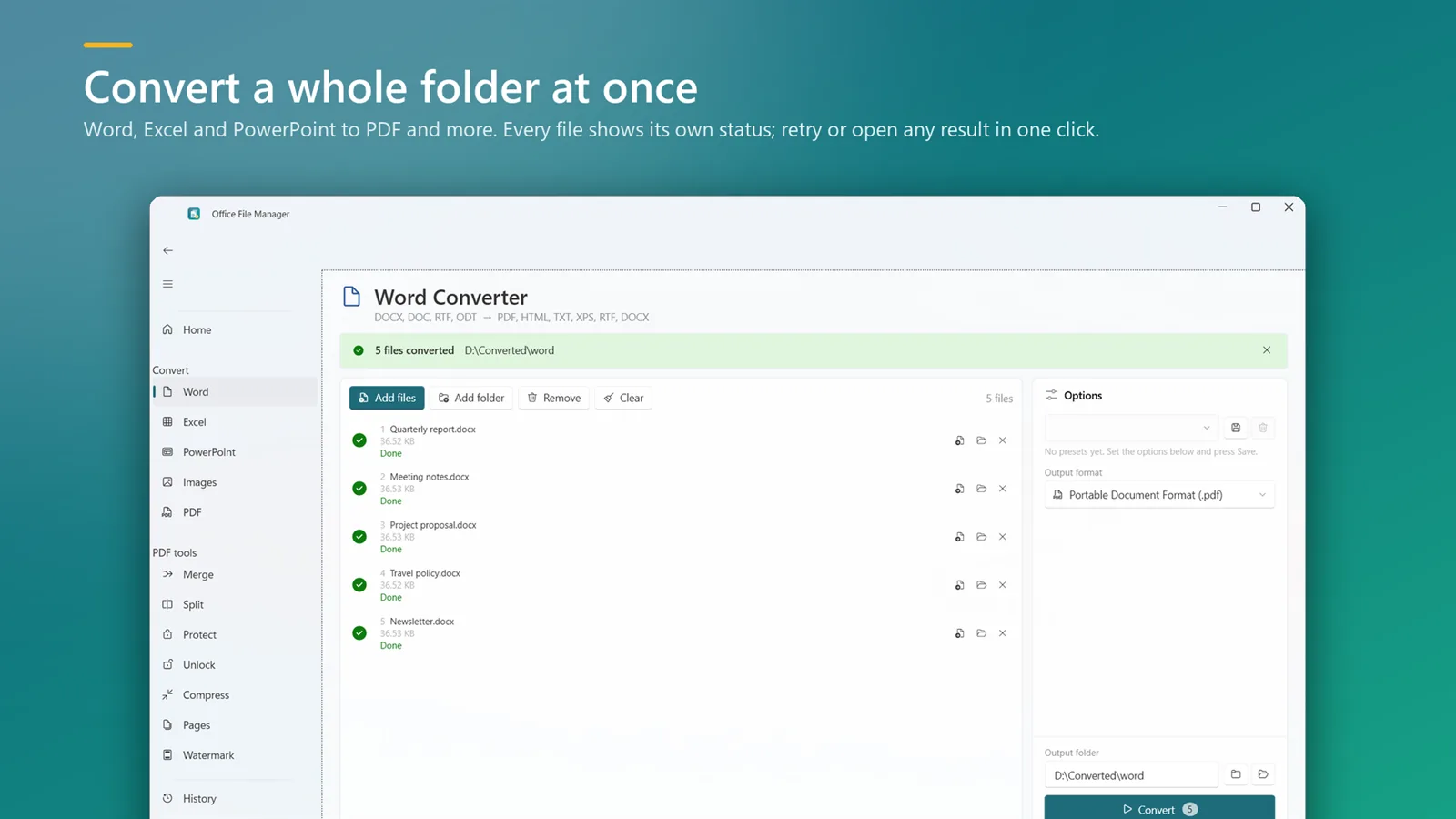
How to convert Word documents to PDF in bulk
- Install Office File Manager from the Microsoft Store and open it.
- Drop your Word documents or a whole folder onto the window — sub-folders are included.
- Choose PDF as the format and pick where the PDFs should go.
- Click Convert. Retry anything that failed, or open the finished PDFs straight away.
Good to know
- Conversion uses your installed Microsoft Office (2016 or later), so the PDF matches what Word shows.
- Output names can follow a pattern with date, time and counter, and existing files are not overwritten unless you say so.
- Need PDF/A for archiving? Any PDF To Doc has PDF/A, page-range and bookmark options.
Word to PDF questions
Do I need Microsoft Word installed?
Yes. Word documents are converted with your installed Microsoft Office (2016 or later), which keeps fonts and layout faithful.
Can I convert a whole folder of Word files?
Yes. Drop the folder in; only the Word documents in it are picked up and each one gets its own status.
Can I create PDF/A files?
Any PDF To Doc includes a PDF/A archiving option along with page ranges, bookmarks and document properties.
Is it free?
Both apps have a free trial on the Microsoft Store. After that you pay once — there is no subscription.

Word to PDF on your PC, starting today
Try Office File Manager free from the Microsoft Store, then keep it for ₹299 once.
