
Password-protect a PDF on your PC
Lock a PDF with an open password and choose whether people can print, copy or edit it — without the file ever leaving your computer.
PDFClubs apps run on Windows 10 and 11 PCs.
- No upload
- Batch convert
- Free trial
- Windows 10 & 11
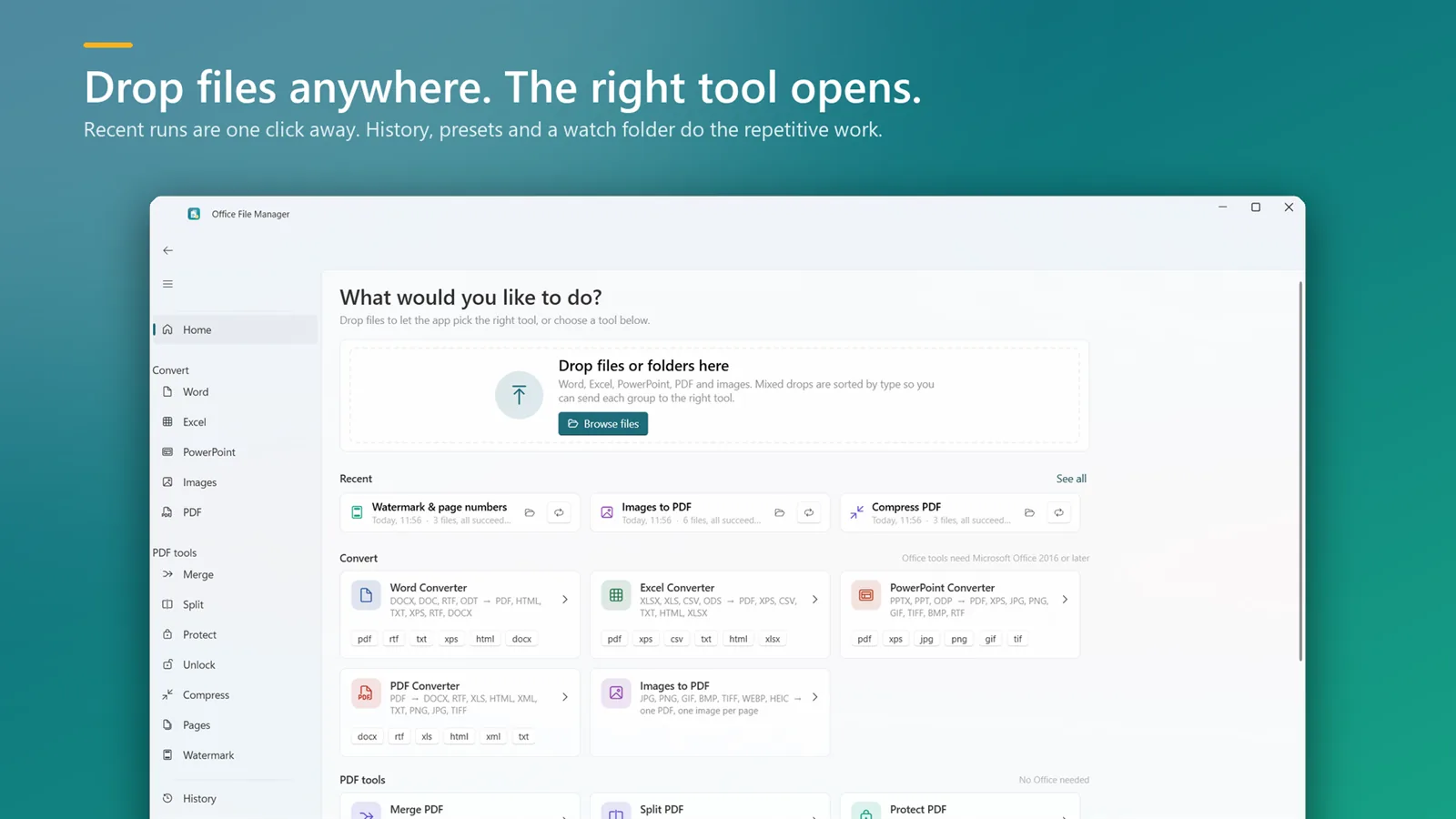
How to password-protect a PDF
- Install Office File Manager from the Microsoft Store and open Protect PDF.
- Add the PDFs you want to lock.
- Set an open password and choose the print, copy and edit permissions.
- Click Protect to save the locked copies.
Good to know
- Protecting a document on your own PC means the password and the file are never sent to a website.
- Keep the password somewhere safe — a forgotten open password cannot be recovered.
- Unlock PDF removes restrictions, or the open password when you know it.
Protect PDF questions
Can I stop people printing or copying my PDF?
Yes. Along with an open password you can turn print, copy and edit permissions on or off.
Can I remove a password later?
Yes, if you know it. The Unlock tool removes the open password or the restrictions.
Is protecting a PDF online safe?
Online tools need you to upload the document and type its password into a website. Doing it on your PC avoids both.

Protect PDF on your PC, starting today
Try Office File Manager free from the Microsoft Store, then keep it for ₹299 once.
