
Record anything
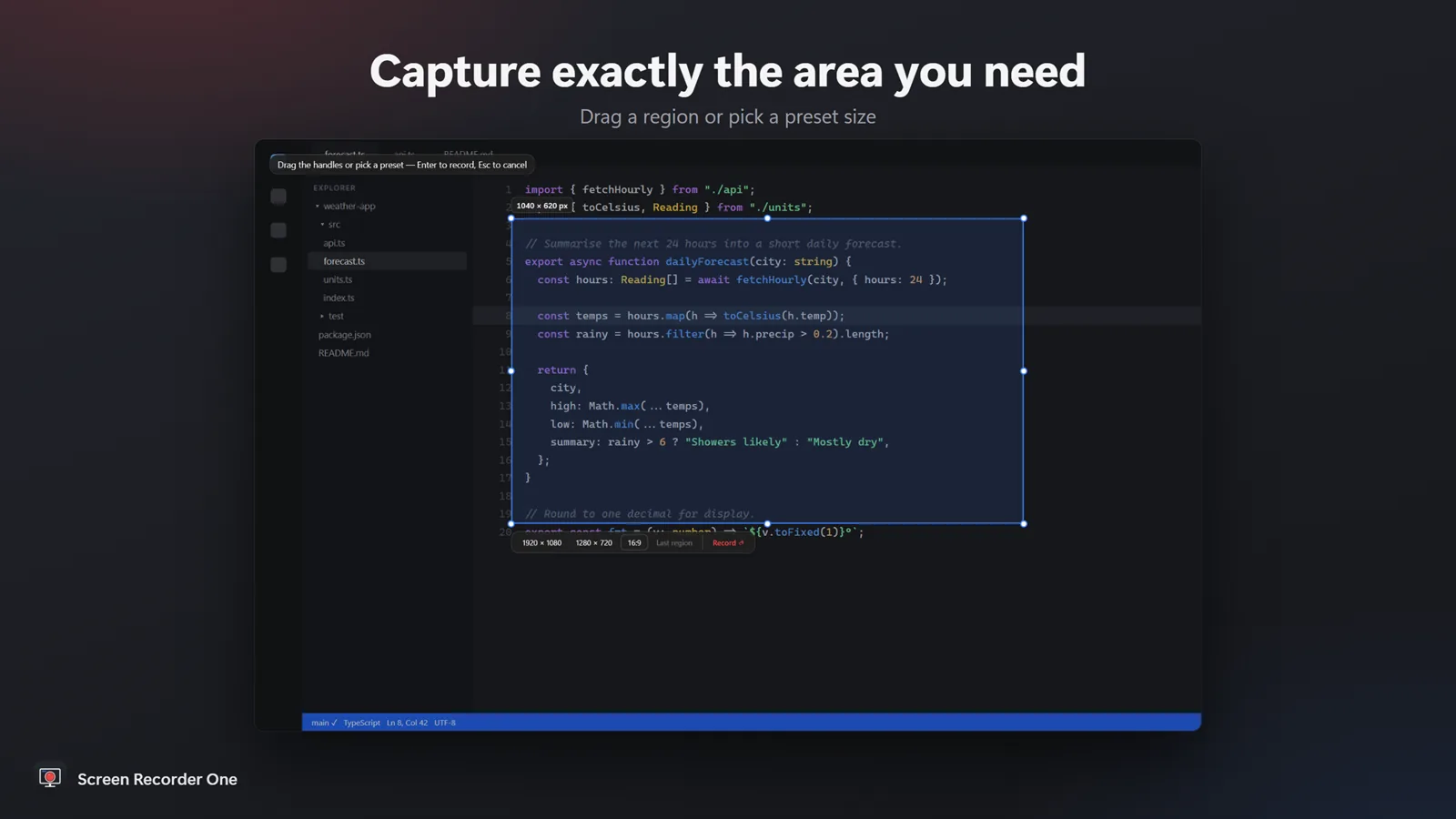
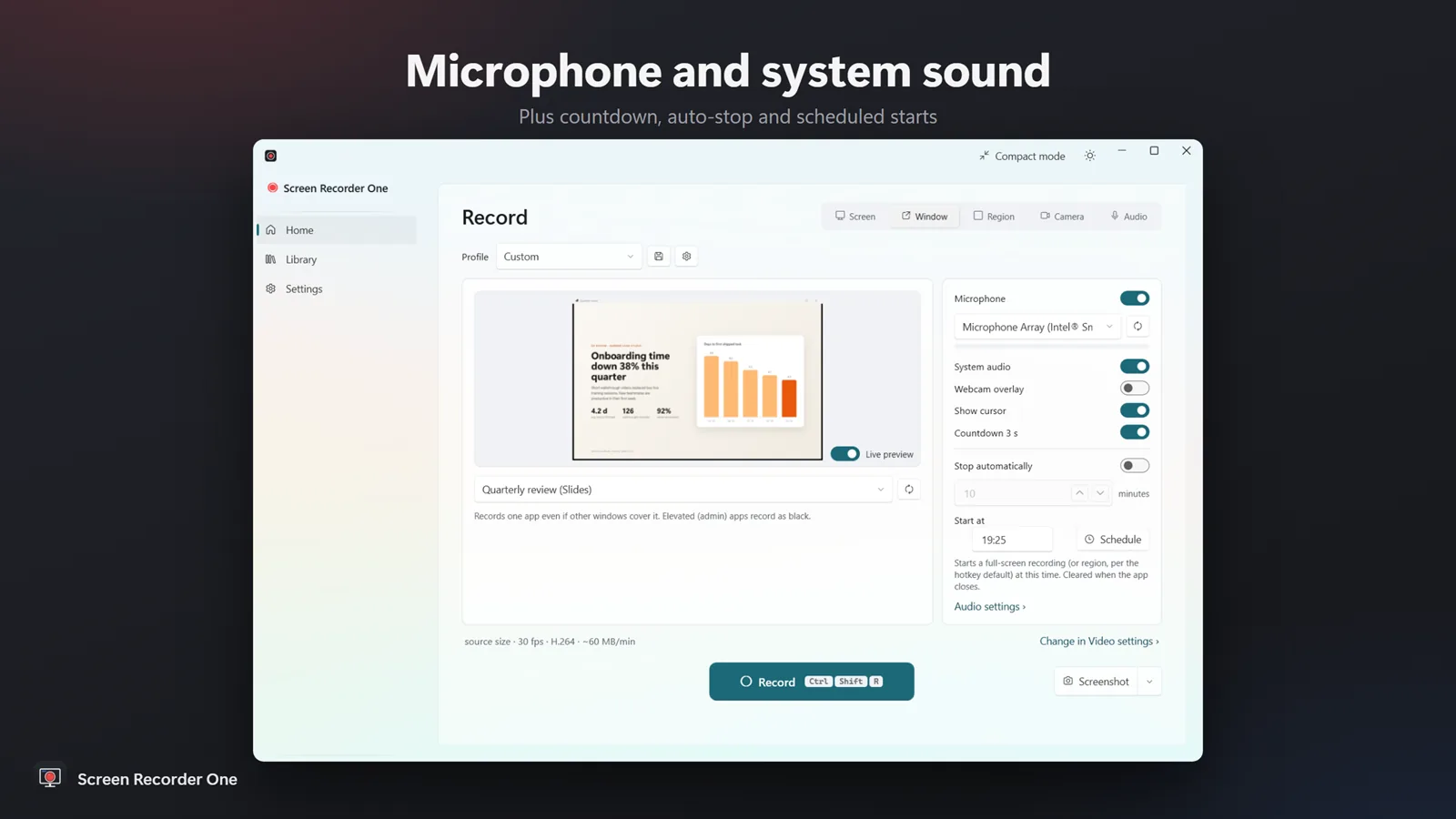
Full screen, a chosen monitor, one app window or a region you drag out — or camera-only and audio-only recordings.


Capture the whole screen, one monitor, an app window or a region you draw — with microphone, system sound and webcam. Recordings stay smooth and files stay small, using the hardware video encoding built into Windows.
PDFClubs apps run on Windows 10 and 11 PCs.
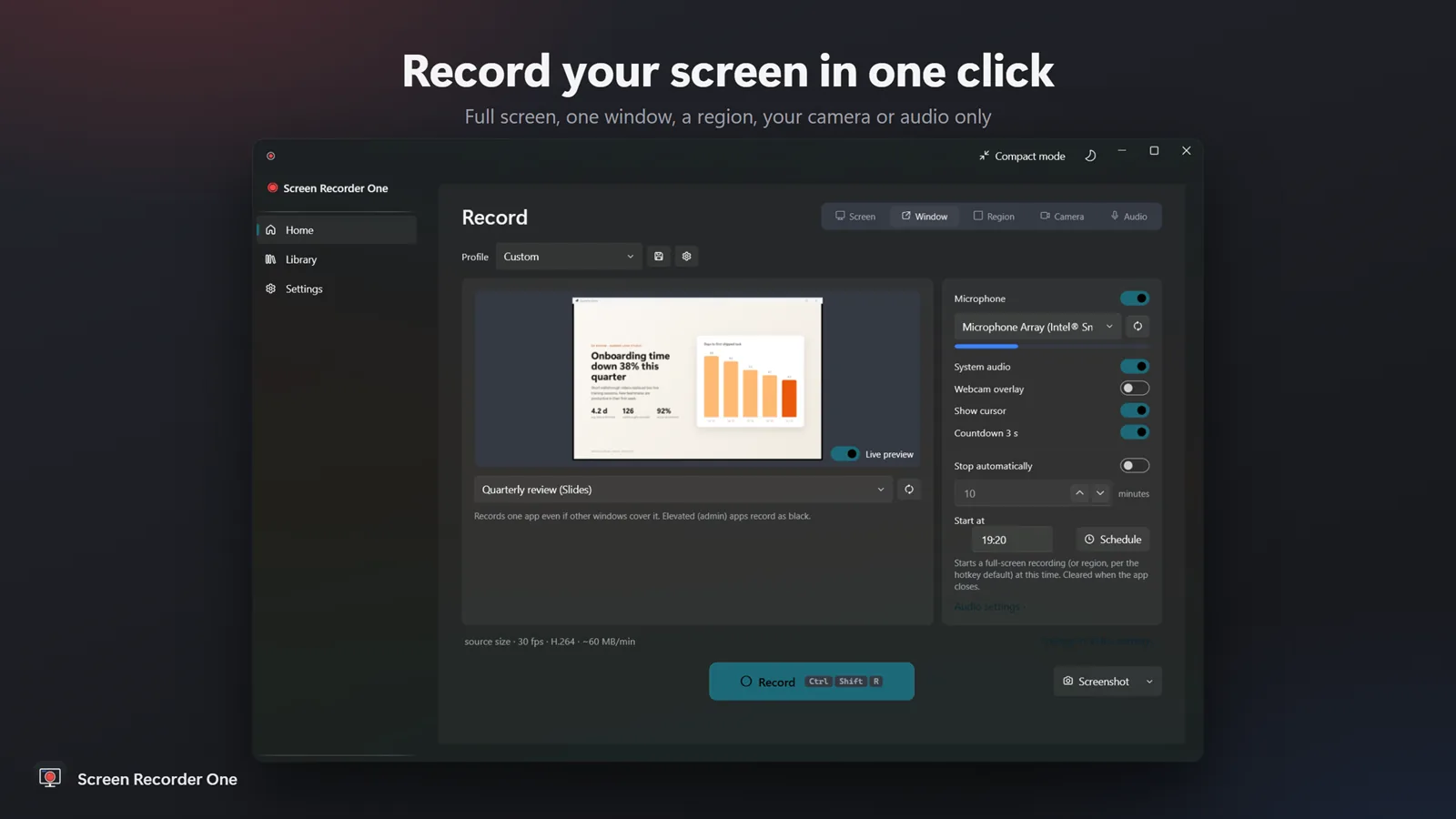
Record your screen, a window or a region — with sound, webcam and on-screen drawing.
Full screen, a chosen monitor, one app window or a region you drag out — or camera-only and audio-only recordings.
Microphone, system sound or both, with a live level meter, plus a webcam overlay you can place and size.
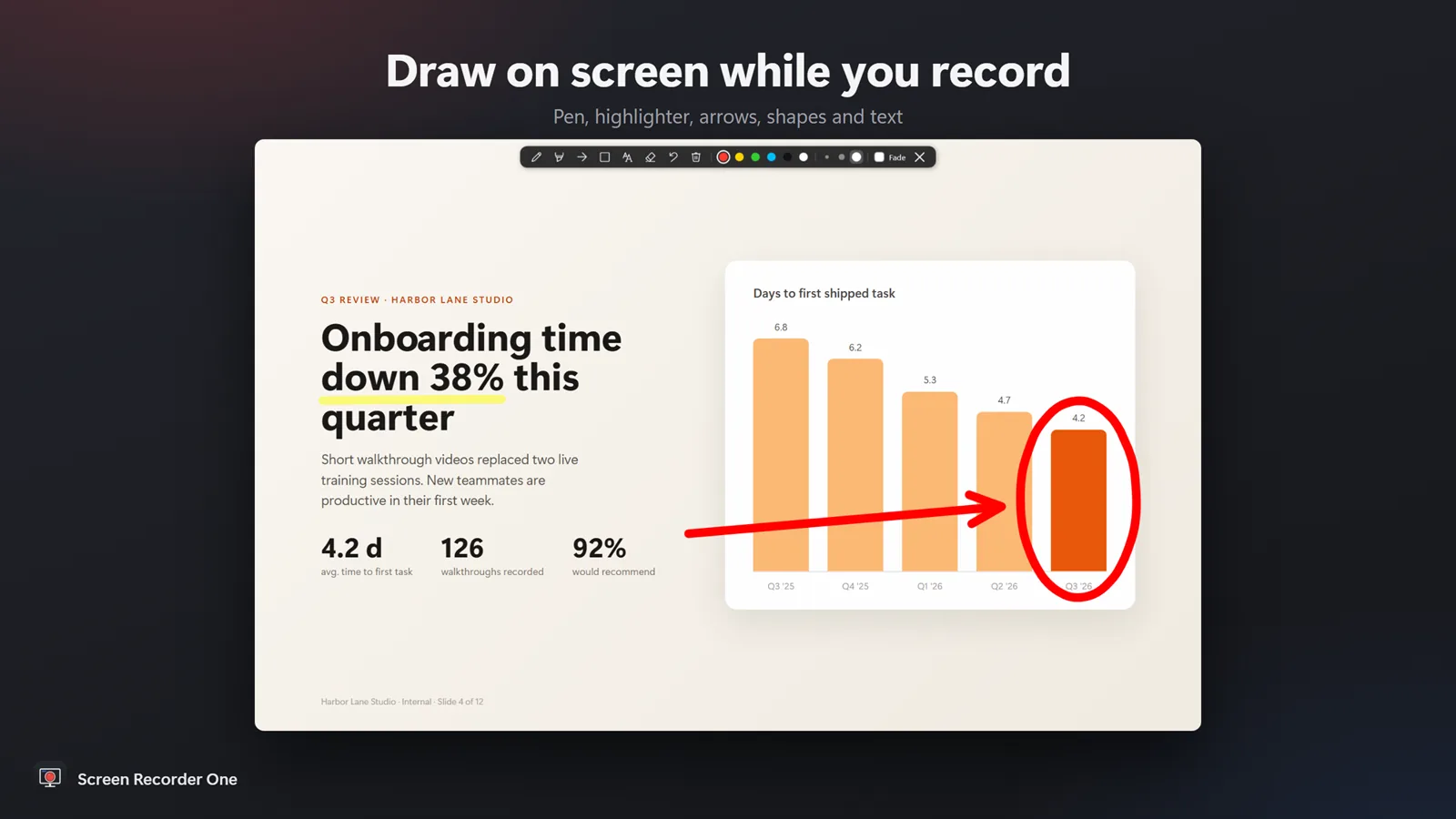
Draw on screen while recording — pen, highlighter, arrows, rectangles and text — and highlight mouse clicks.
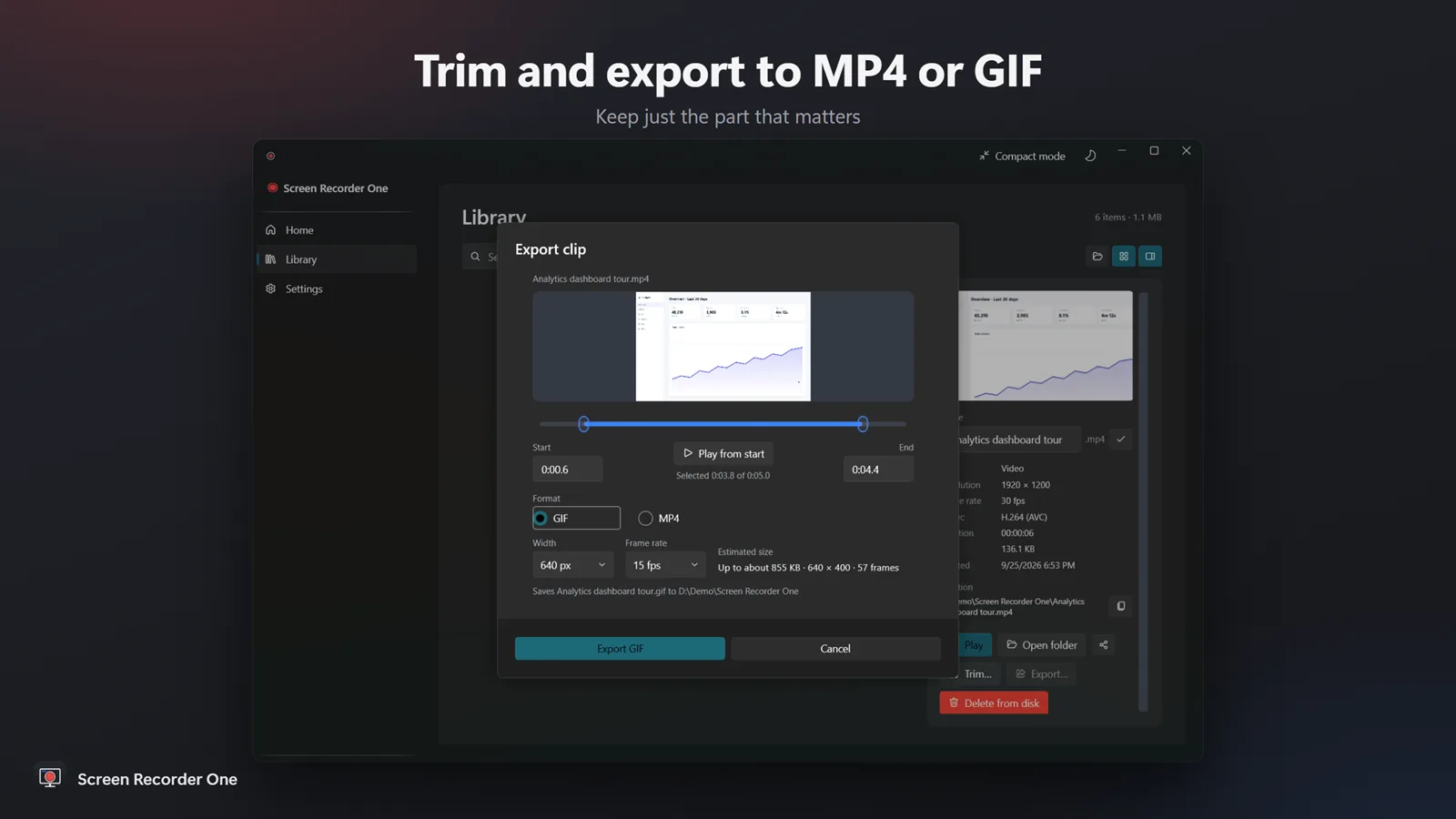
Trim the start and end, copying the video instead of re-encoding when possible. Export any range as MP4 or animated GIF.
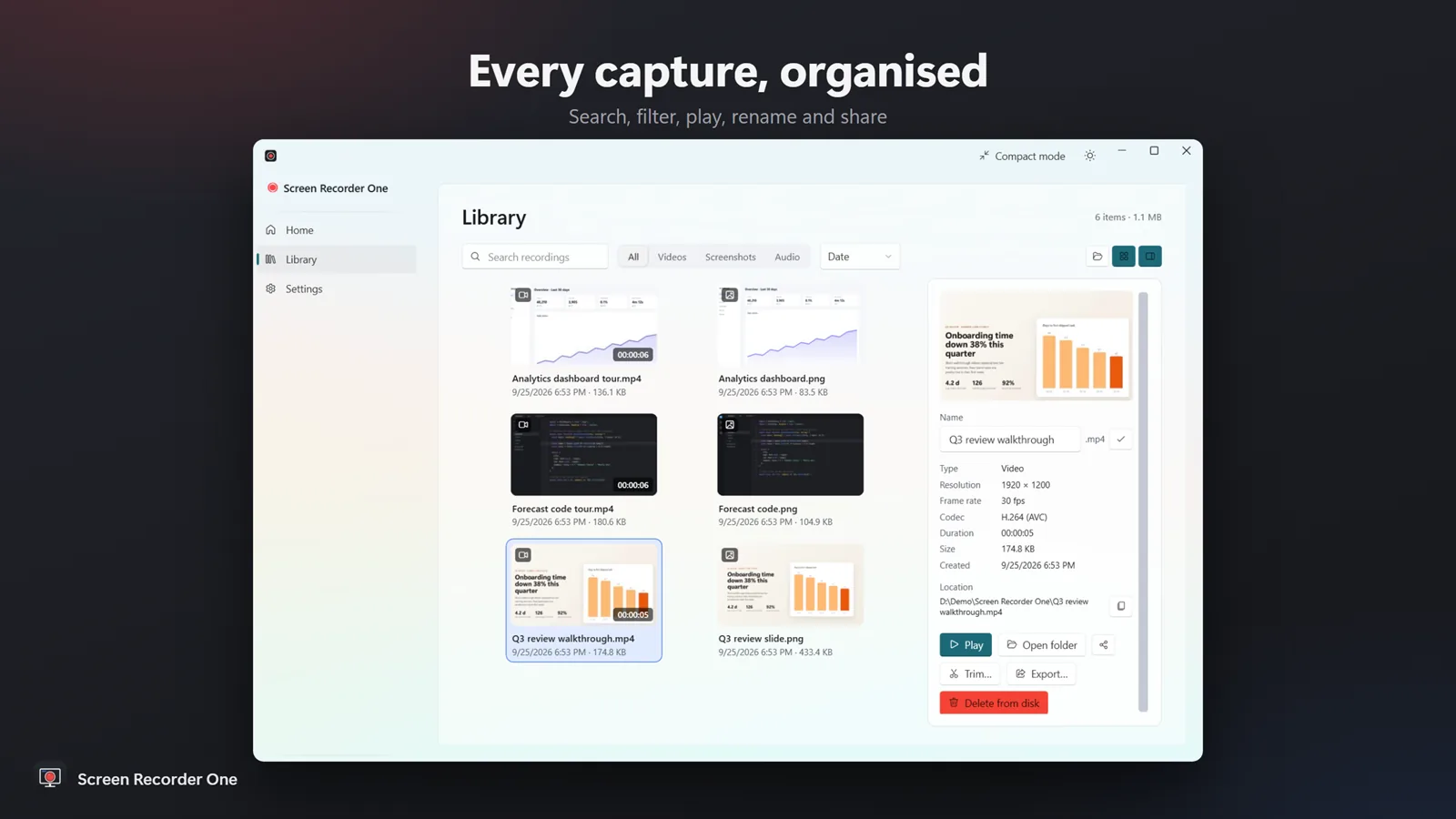
A library of recordings and screenshots with thumbnails, search and filters. Rename, play, share or delete in place.
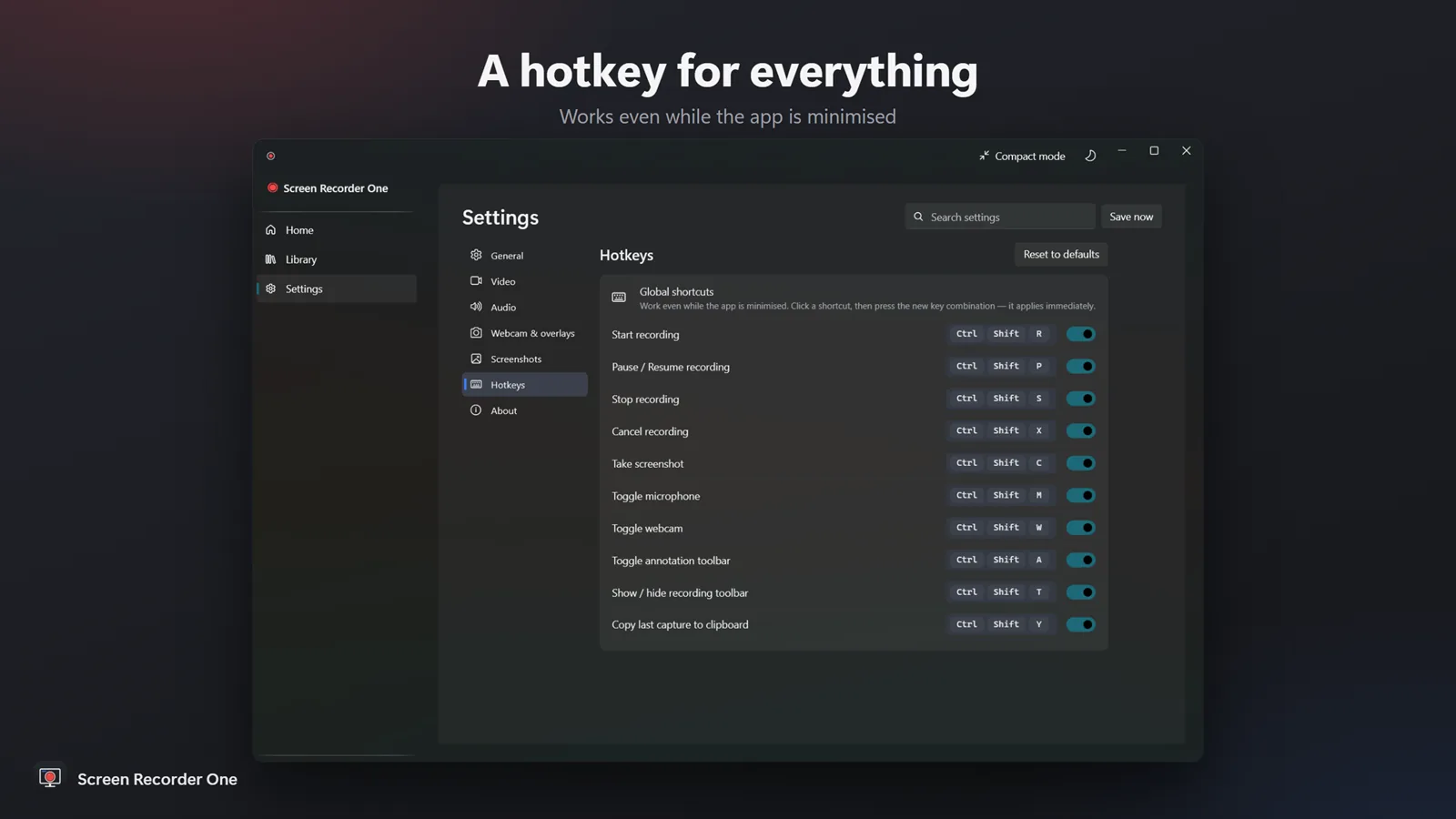
Global hotkeys for every action, even while minimised, and recording profiles for your different setups.
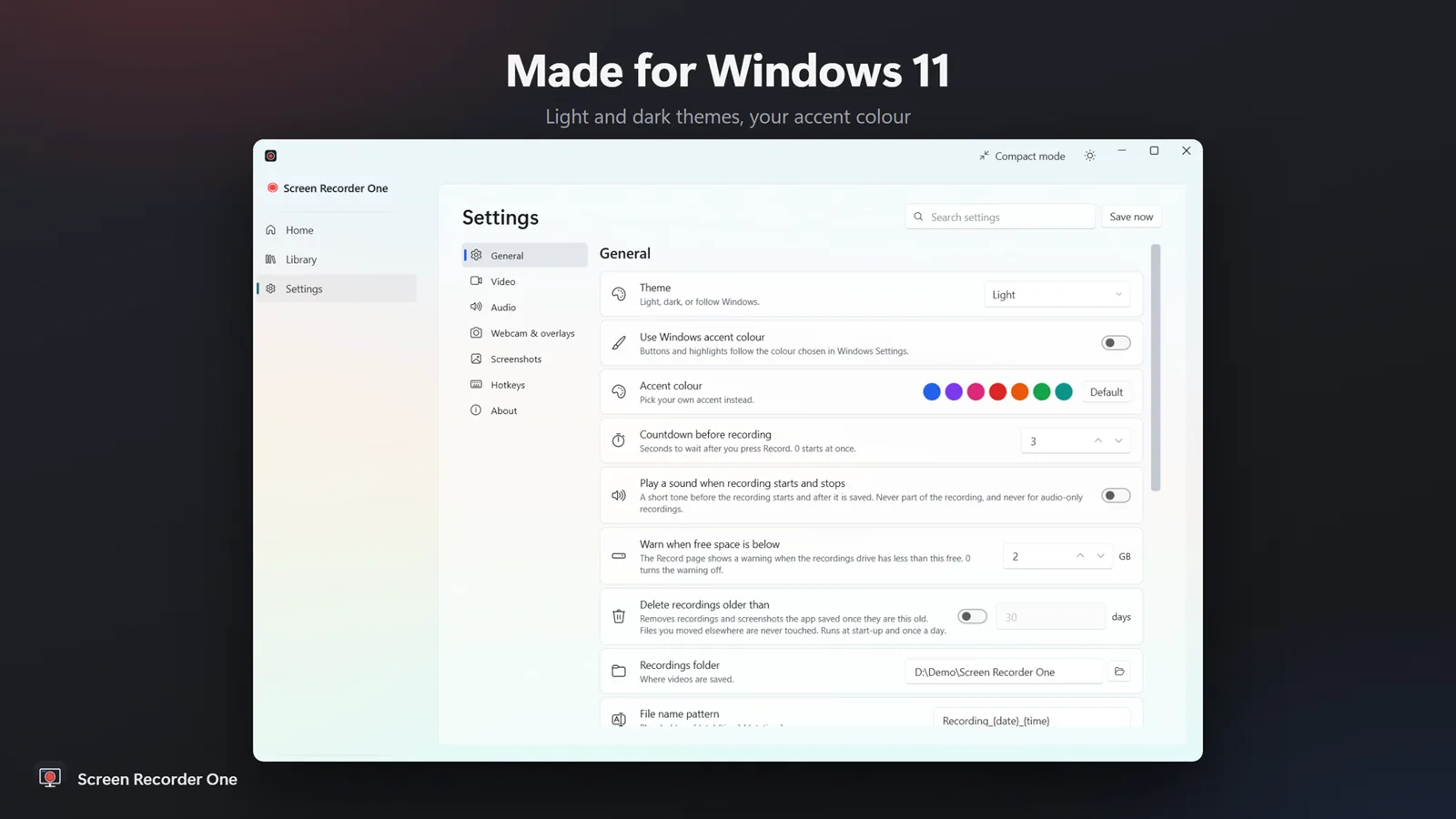
Works on its own — Microsoft Office is not needed. It uses the screen capture and hardware video encoding built into Windows 10 and 11.
₹299one-time
Yes. Record the microphone, system sound or both, with a live level meter and a mute hotkey.
Yes. Record the full screen, one monitor, a single app window, or a region you drag out or pick from preset sizes.
No. Screen Recorder One needs no account and has no cloud upload and no tracking — recordings stay on your PC.
Videos as MP4 (H.264 or HEVC) or animated GIF. Screenshots as PNG or JPEG.
Try it free from the Microsoft Store, then pay once — there is no subscription.
Three ways to record your screen with sound on Windows 11 and 10 — Snipping Tool, Xbox Game Bar and a recorder that captures mic and system audio together.
Plan, record and share a screen tutorial or online lesson on a Windows laptop or PC — with your voice, a webcam overlay and on-screen drawing.
Convert Word, Excel, PowerPoint, PDF and images in bulk — then merge, split, compress, protect and watermark PDFs.
Combine several PDFs into one, or split a PDF into single pages or a page range. Fully offline.
Batch-convert Word and RTF files to PDF, and PDF back to editable Word. Point it at a folder and go.

Automatically sorts, renames and files everything that lands in Downloads, Desktop or any folder, by rules you set. Every move is logged and undoable.