
Convert PowerPoint to PDF or images, offline
Send slides as a PDF anyone can open, or export every slide as a JPG or PNG — straight from your own PC.
PDFClubs apps run on Windows 10 and 11 PCs.
- No upload
- Batch convert
- Free trial
- Windows 10 & 11
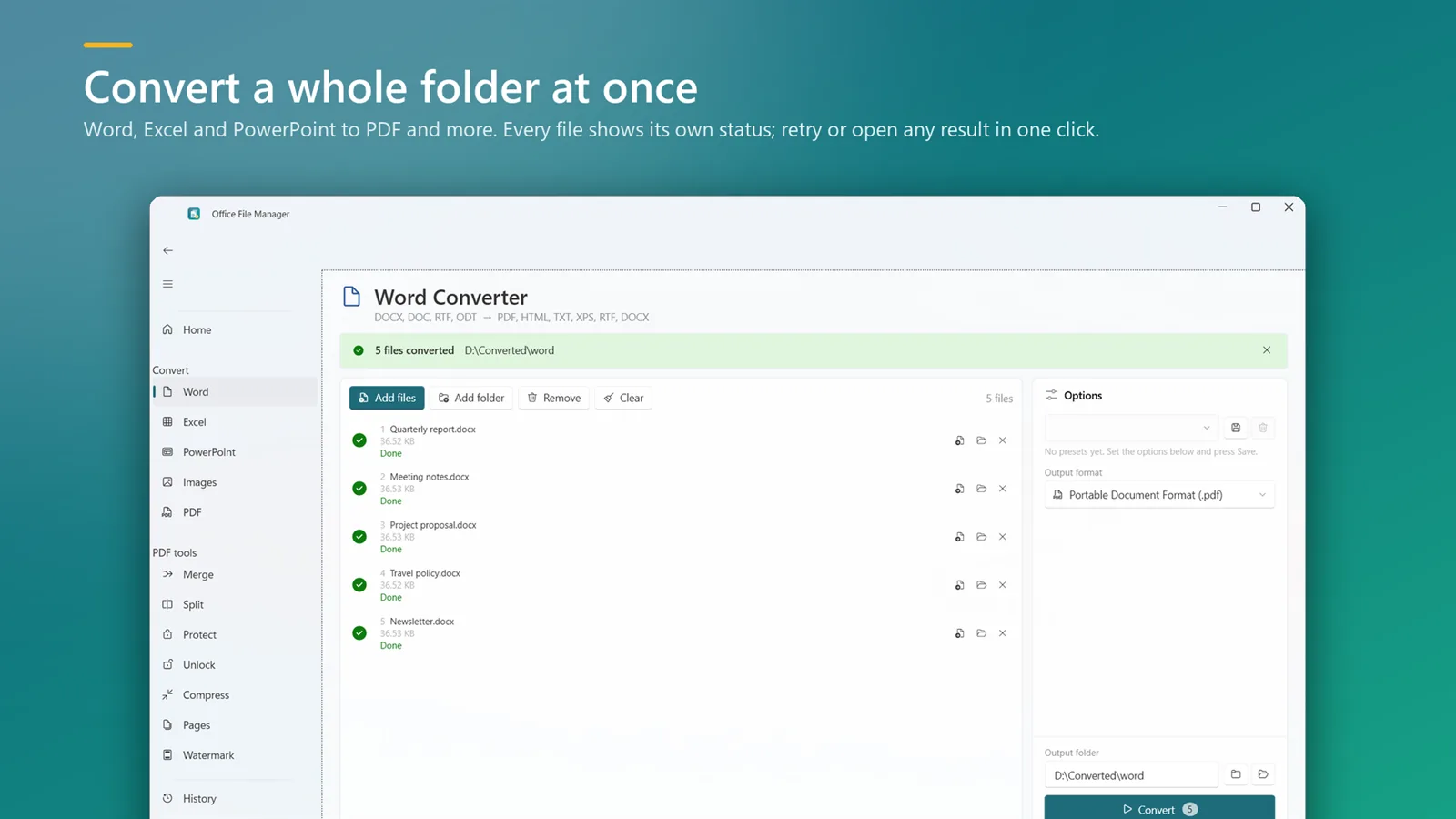
How to convert PowerPoint to PDF
- Install Office File Manager from the Microsoft Store and open it.
- Drop your presentations or a folder onto the window.
- Choose PDF — or JPG, PNG, GIF, TIFF or BMP to export slides as images.
- Click Convert and open the results.
Good to know
- Conversion uses your installed Microsoft Office (2016 or later) so slides look exactly as they do in PowerPoint.
- PPTX, PPT and ODP files are supported.
- To combine several decks into one PDF afterwards, use Merge PDF.
PowerPoint to PDF questions
Do I need PowerPoint installed?
Yes. Presentations are converted with your installed Microsoft Office (2016 or later).
Can I save each slide as an image?
Yes. Choose JPG, PNG, GIF, TIFF or BMP as the output format.
Can I convert several presentations at once?
Yes. Add multiple files or a whole folder and convert them in one run.

PowerPoint to PDF on your PC, starting today
Try Office File Manager free from the Microsoft Store, then keep it for ₹299 once.
