
W
Word →
DOCX, DOC, RTF, ODT
- HTML
- TXT
- XPS
- RTF
- DOCX

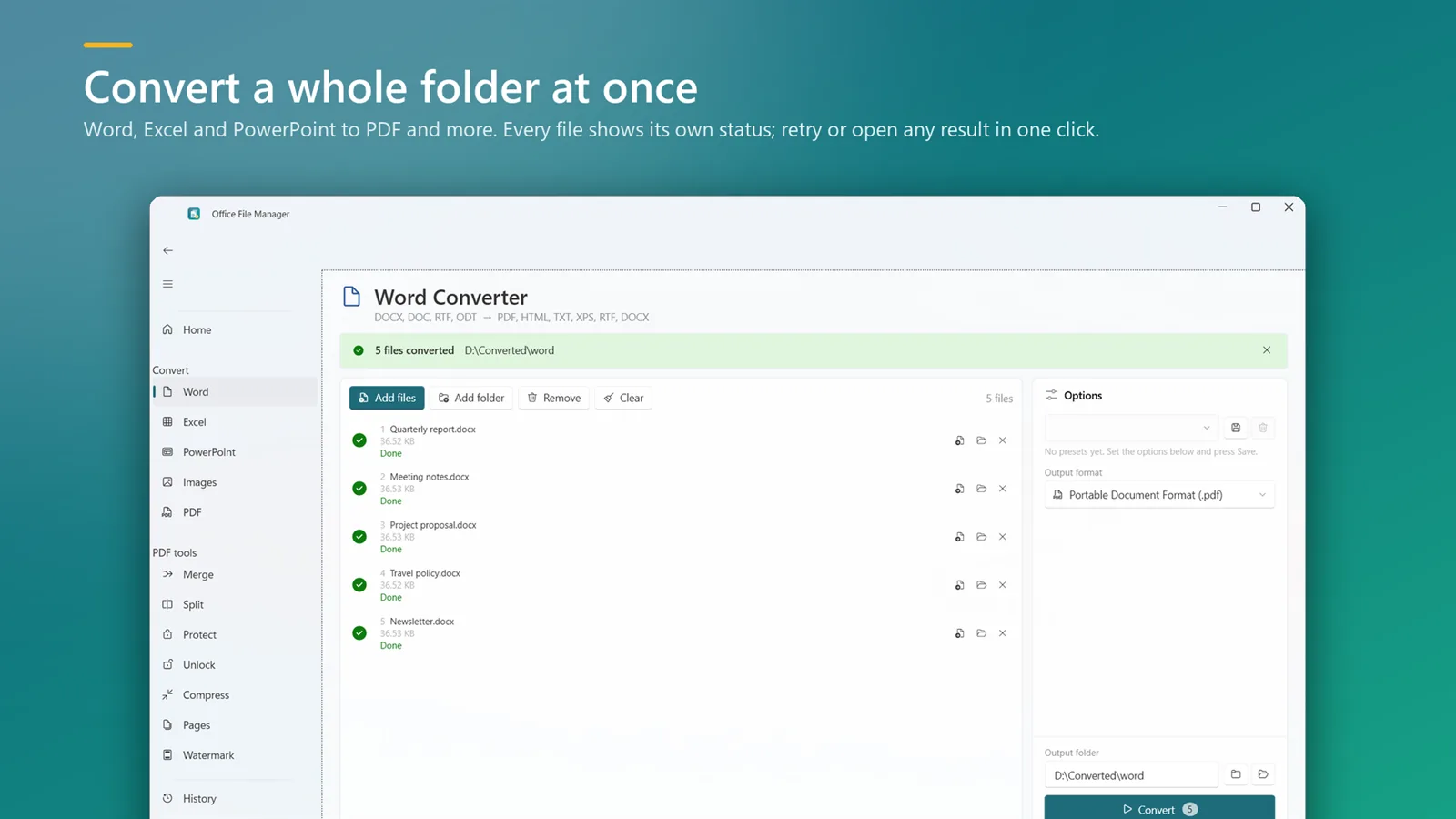
Turn a folder of documents into the format you need in one go, with every everyday PDF tool in the same window. Everything runs on your PC; nothing is uploaded.
PDFClubs apps run on Windows 10 and 11 PCs.
Every Office ↔ PDF conversion and the everyday PDF tools, in one window.
DOCX, DOC, RTF, ODT
XLSX, XLS, CSV, ODS
PPTX, PPT, ODP
Any PDF
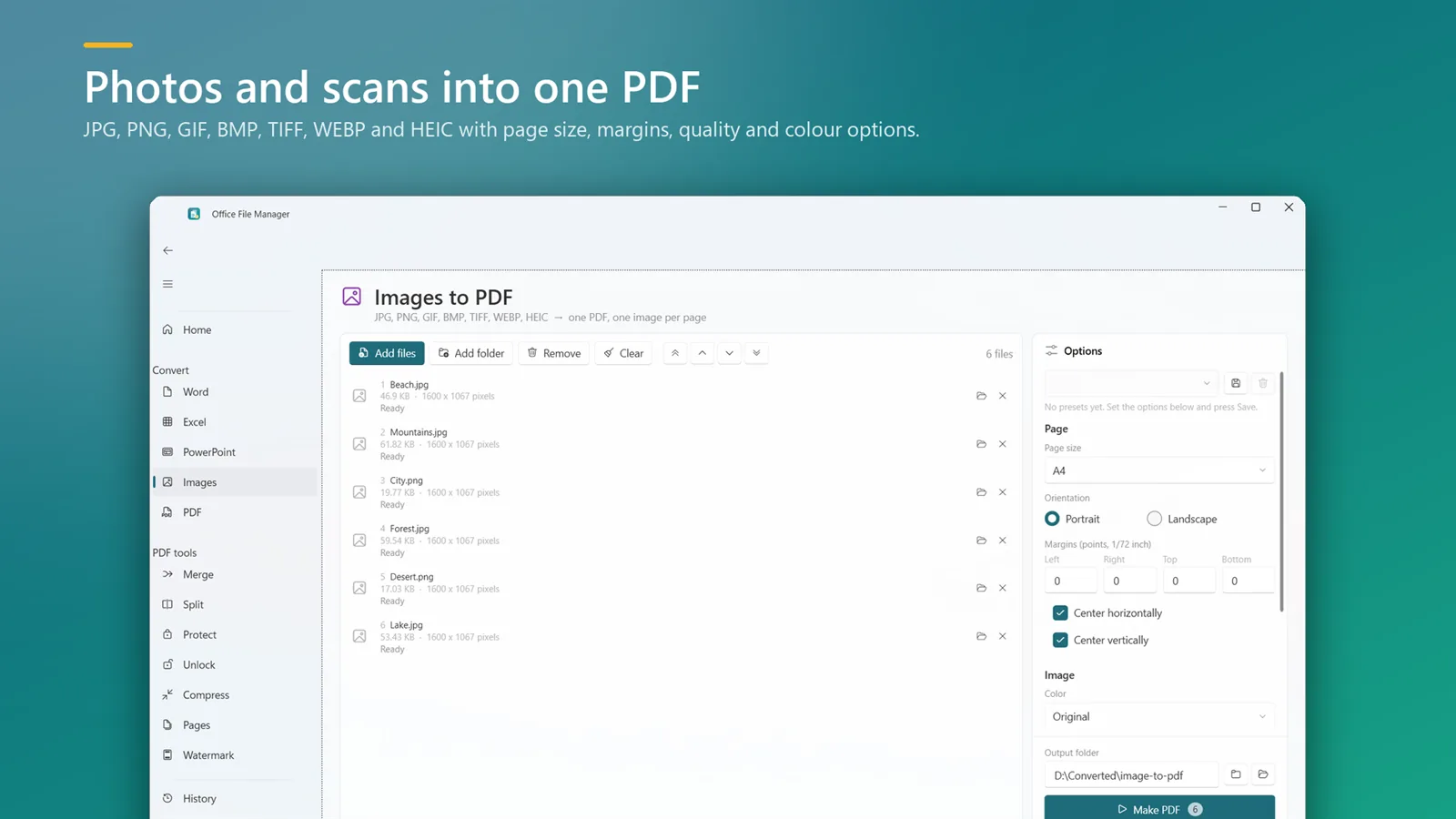
JPG, PNG, GIF, BMP, TIFF, WEBP, HEIC
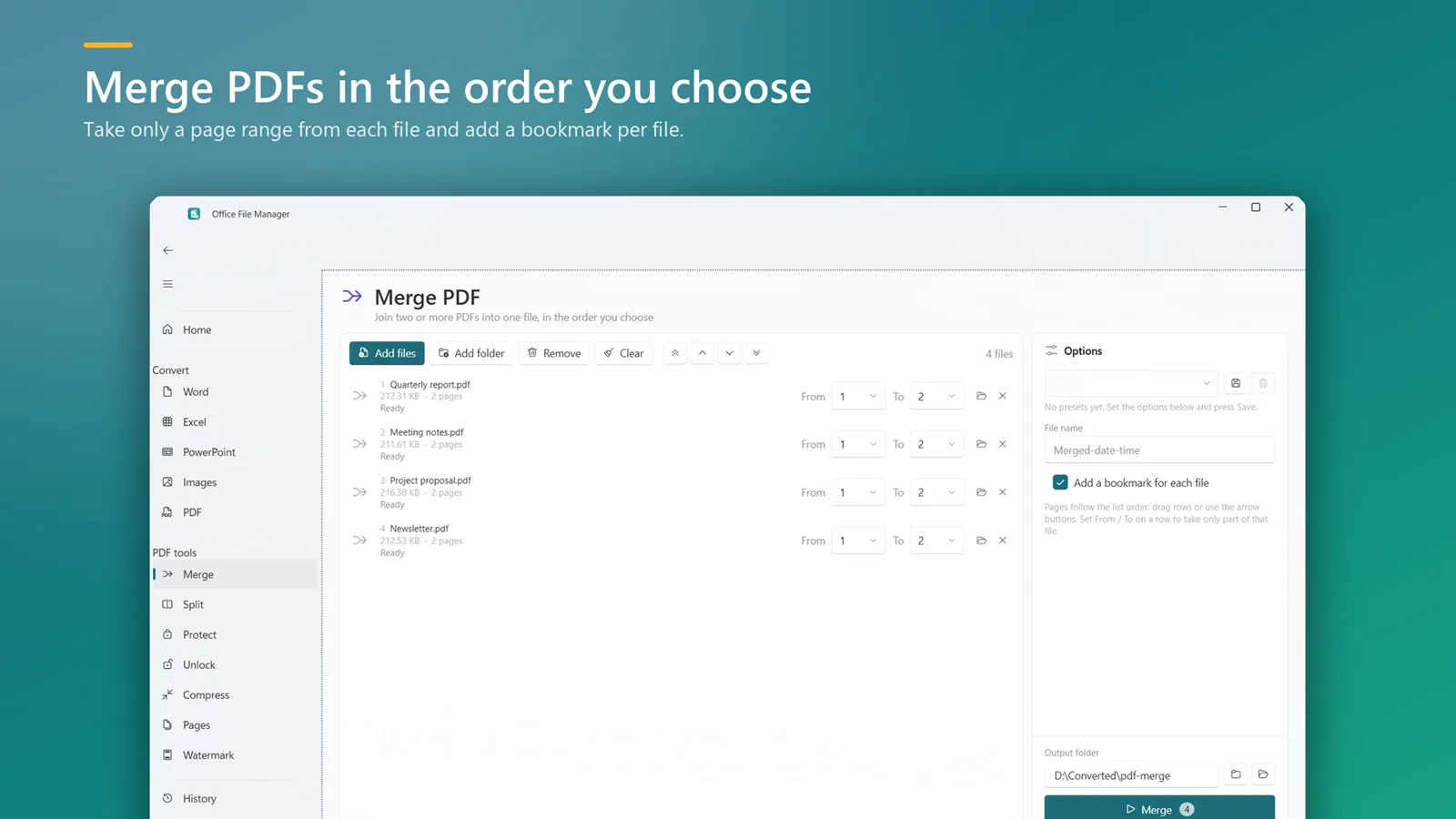
Join PDFs in the order you choose, take a page range from each, add a bookmark per file.
Single pages, every N pages, custom ranges such as 1-3, 5, 8-, or by bookmarks.
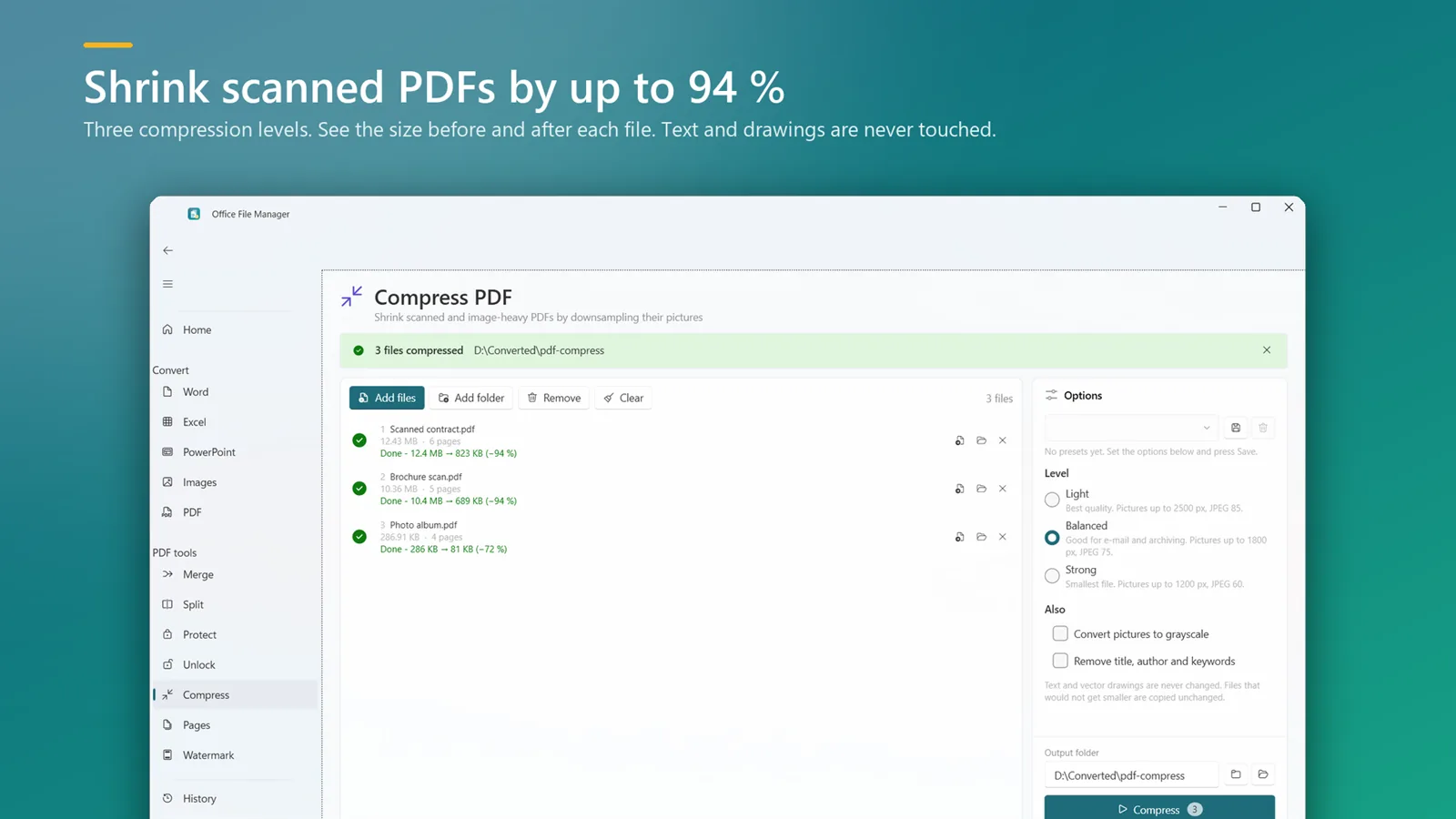
Shrink scanned and image-heavy PDFs at three levels and see the size before and after.
Open password plus print, copy and edit permissions. Remove restrictions when you know the password.
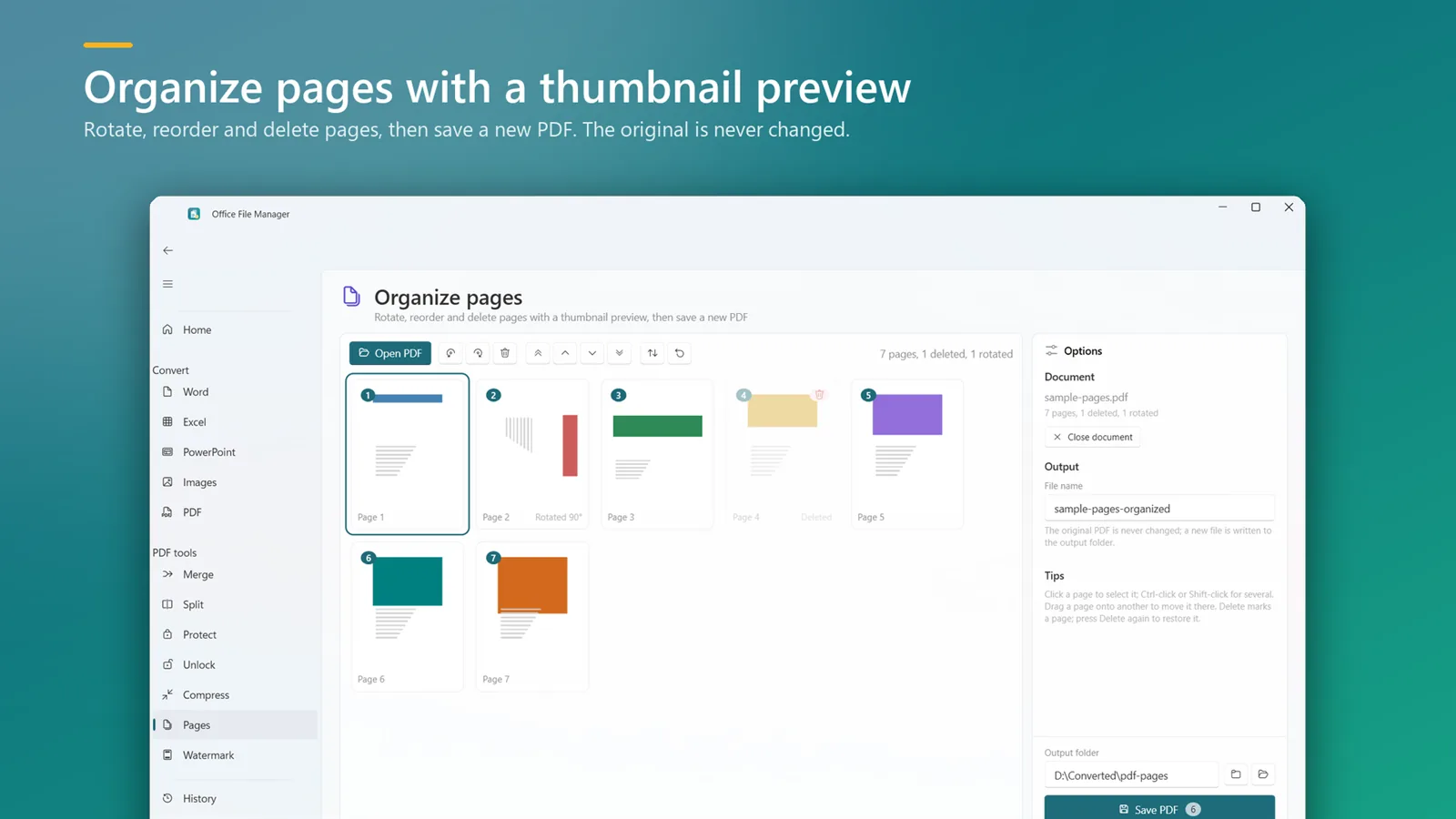
Rotate, reorder and delete pages with a thumbnail preview, then save a new PDF.
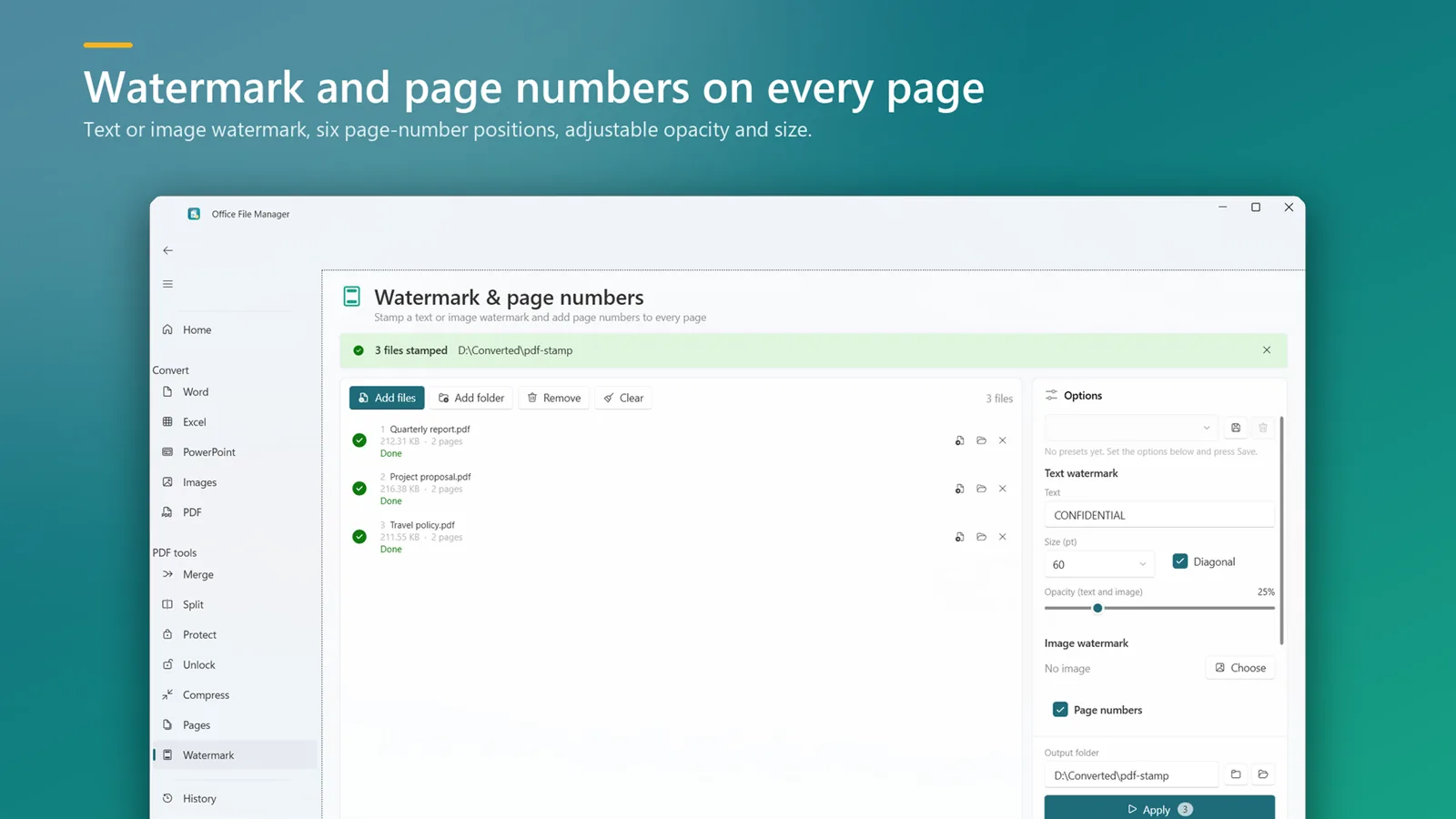
Text or image watermark, and page numbers in six positions.
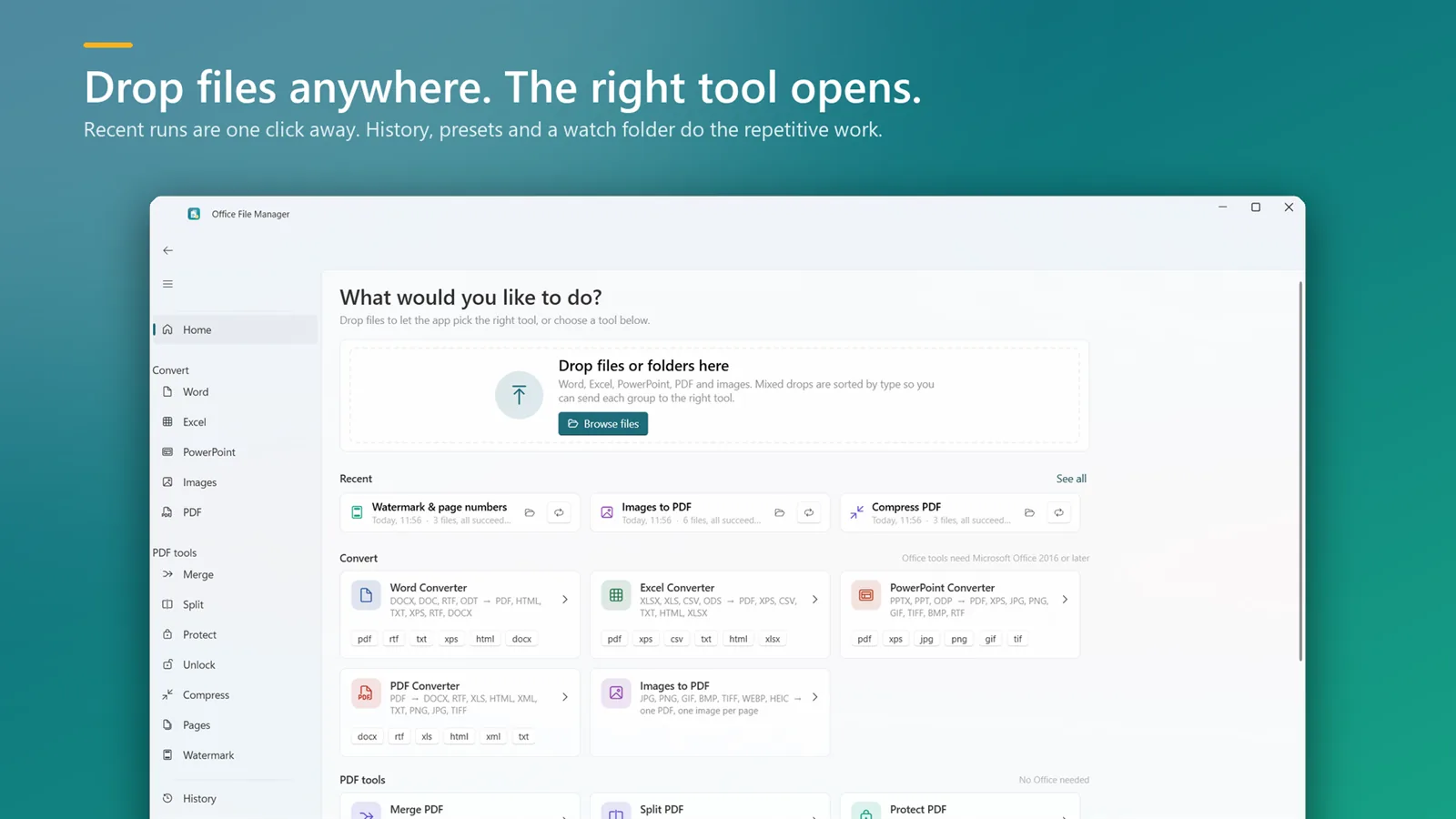
Word, Excel and PowerPoint conversions use your installed Microsoft Office (2016 or later). All PDF and image tools work without Office.
₹299 ₹374 20% off · ends 30 Decone-time
Yes. Every conversion runs on your computer. The only time the app talks to the internet is when the Microsoft Store checks your licence.
For Word, Excel and PowerPoint files, yes — the app uses your installed Office (2016 or later) to read and write them faithfully. All PDF and image tools work without Office.
Windows 10 and Windows 11.
The app asks you to buy it from the Microsoft Store. Nothing on your PC is deleted, and your converted files stay where you saved them.
To the output folder you choose on each tool's screen. Originals are never modified.
Purchases are made through the Microsoft Store, so refunds follow Microsoft's Store refund policy — request one from your Microsoft account's order history.
DOCX, DOC, RTF and ODT to PDF in bulk.
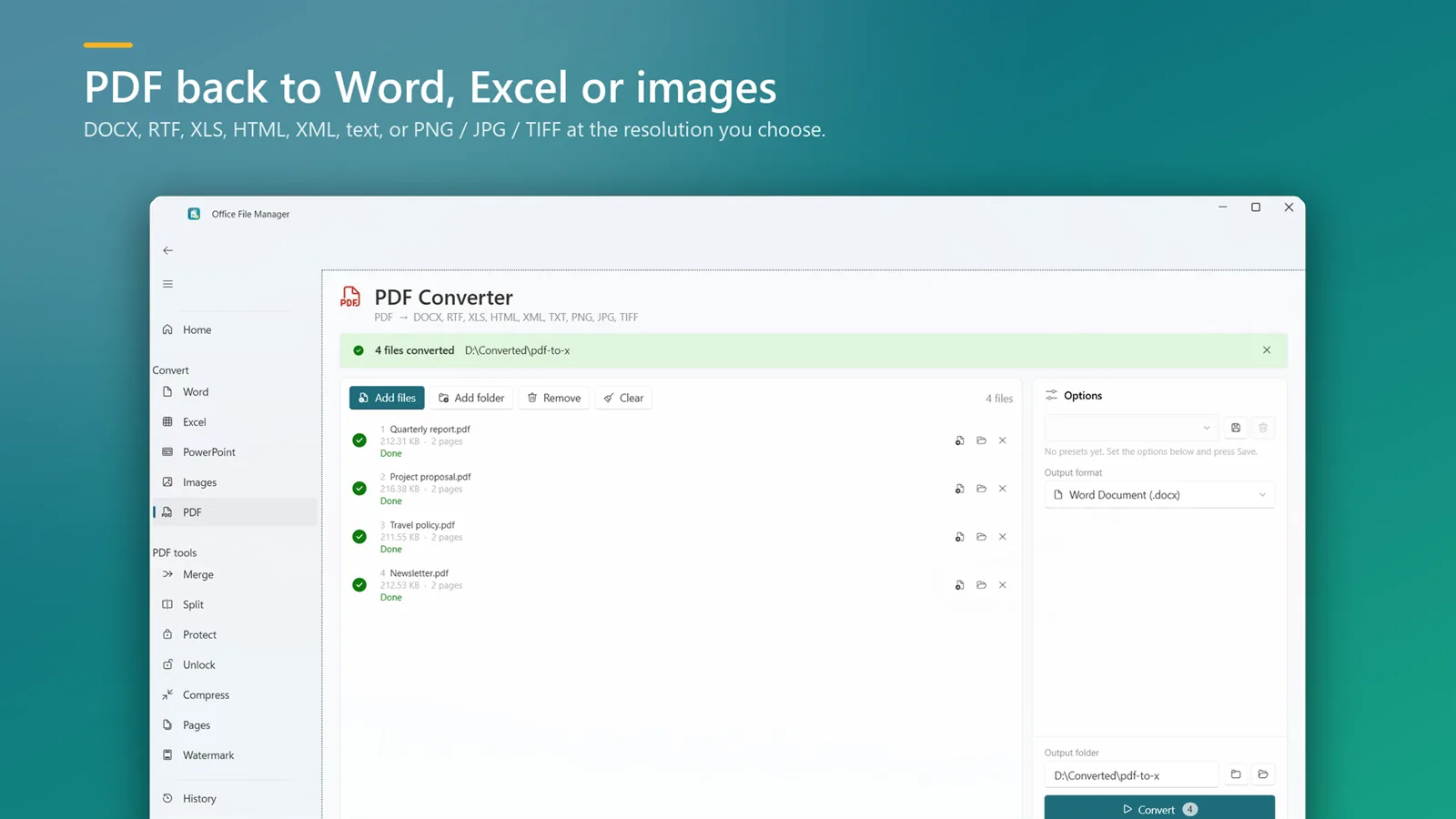
Editable DOCX or RTF from any PDF.
XLSX, XLS, CSV and ODS to PDF.
Pull tables out of PDFs into a spreadsheet.
Slides to PDF, JPG or PNG.
JPG, PNG, HEIC and more into one PDF.
Every page as JPG, PNG or TIFF.
Combine many PDFs into one file.
Single pages or chosen page ranges.
Shrink scanned and image-heavy PDFs.
Passwords and print/copy/edit rights.
Why PDFs get so large and three ways to make them smaller on Windows — including a free option in Word and a way to shrink scanned PDFs by up to 94%.
Word saves one PDF at a time. Here's how to batch-convert a whole folder of DOCX, DOC and RTF files to PDF on Windows in one go — offline.
Add a password to a PDF on Windows 11 or 10 — a free way using Word, and how to lock existing PDFs and control printing, copying and editing.
Combine several PDFs into one, or split a PDF into single pages or a page range. Fully offline.
Batch-convert Word and RTF files to PDF, and PDF back to editable Word. Point it at a folder and go.

Automatically sorts, renames and files everything that lands in Downloads, Desktop or any folder, by rules you set. Every move is logged and undoable.

Record the full screen, one window or a region with mic and system sound and a webcam overlay. Draw while you record, then trim and export MP4 or GIF.